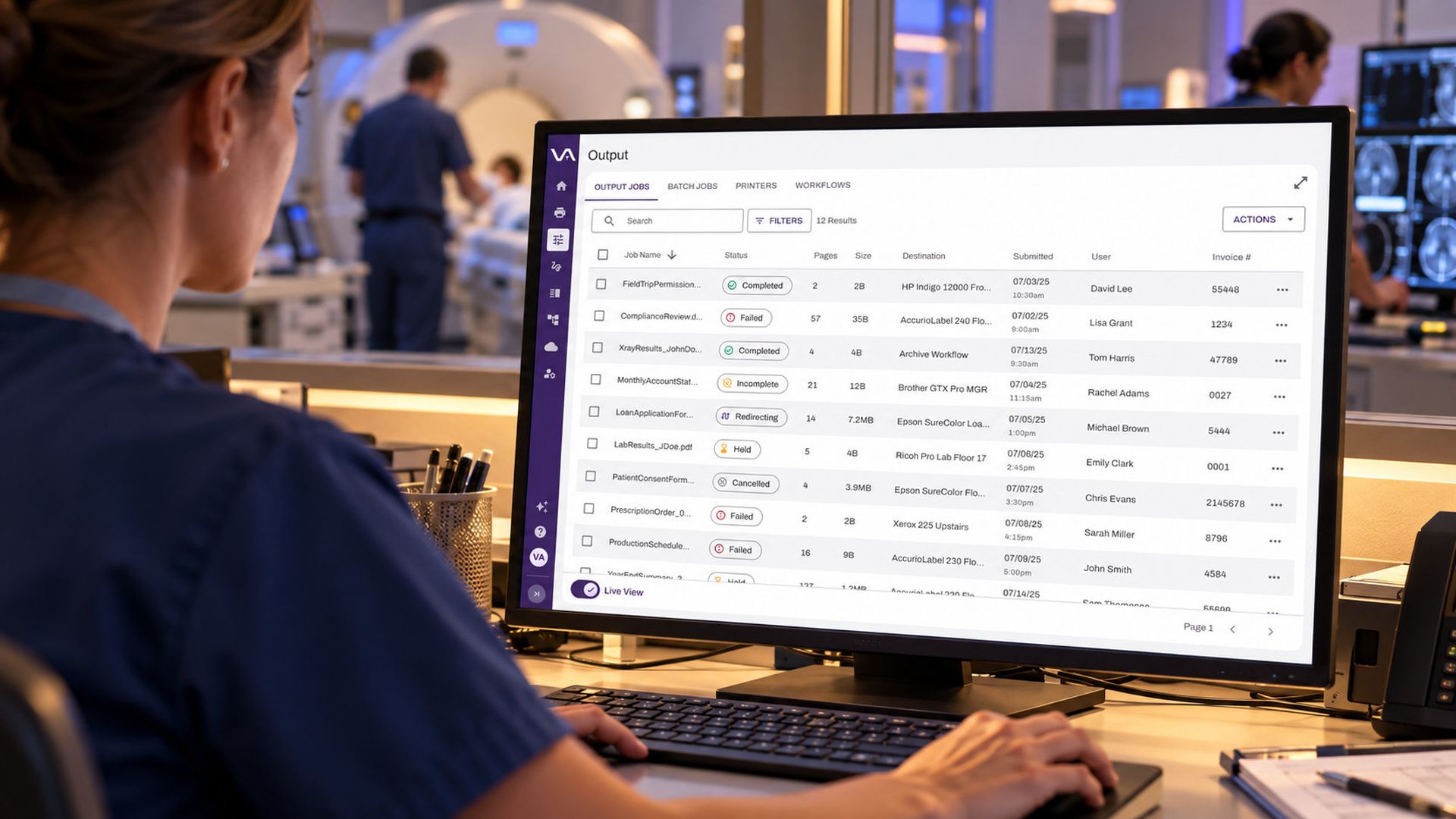
The modern workforce rarely sits behind a single firewall. Employees split time between home and the office, contractors work from client sites, and partners need to send documents to your locations without ever touching your internal systems. Yet one stubborn task still ties many of these people back to the corporate network: printing. The business needs documents to land on a printer in a clinic, a plant, a job site, or a main office. Security needs to keep the network behind those printers closed. Here is where the friction comes from, and how IT teams are resolving it.
Introduction
Problem #1: The VPN is doing too much
The default answer has been the virtual private network (VPN). It is familiar, but it grants broad access when the user only needs to reach one device. Every VPN connection is a path into the environment, and attackers know it. In a 2025 survey of 632 cybersecurity professionals, 92% of organizations said they were concerned about ransomware attacks stemming from VPN vulnerabilities, and 81% said they were adopting or planning to adopt Zero Trust within the next year.
The solution: Separate the act of printing from network access. Instead of connecting a remote user to the internal network, place the remote user on an isolated network that can only submit print jobs. A gateway outside the secure environment receives the jobs, and an internal service inside the environment reaches out to retrieve them and deliver them to the designated printer. Because the internal service initiates the connection, no inbound door has to be opened to the remote workstation. A hospital can accept documents from an affiliate clinic, and a manufacturer from a remote job site, while the printers and infrastructure behind them stay isolated. The user prints; the network stays closed.
Problem #2: More infrastructure means more to maintain
Gateways, routing services, certificates, and the servers behind them all need patching and monitoring. For lean IT teams, and for organizations trying to retire on-premises infrastructure, another service to run is a hard sell.
The solution: Choose the hosting model that fits your appetite for infrastructure. Some organizations have a vendor host the gateway in a public cloud such as AWS, so internal IT only configures the routing service inside the network. Others host the gateway themselves behind their own SSL certificate. A hybrid of the two adds business continuity and flexibility.
Teams can go further and eliminate the on-premises routing component entirely. In a cloud-based model, an application on the printer communicates with a cloud storage service. The job is encrypted at rest and downloaded by the printer only when it is ready to print.
Problem #3: A printed page is still a data risk
Securing transmission is only half the job. A printed document sits in the tray until someone collects it, and in healthcare, government, and education, an unattended printout can be a compliance event. Timing is also an issue: remote laptops close, sleep, or go offline before the printer is ready.
The solution: Hold jobs until the user is physically at the device. With secure release, a remote user submits a job and releases it only after authenticating at the printer, which protects the page from accidental pickup and wandering eyes. In the cloud-based model, the document remains encrypted until release, so the job can still print even if the sender's workstation has since gone offline.
Problem #4: Your fleet is not uniform
Few organizations run a single brand of printer. Fleets built through years of acquisitions include a mix of manufacturers, models, and workstation operating systems. A solution that works on only a narrow set of hardware forces a rip-and-replace conversation nobody wants. Users also expect to print from a phone or tablet.
The solution: Look for an approach that is printer-agnostic, works across Windows, Linux, and Mac, and supports mobile where the architecture allows. If printer-resident software is part of the design, verify which manufacturers and multifunction devices are supported first.
The Zero Trust connection
Each of these solutions rests on the same principle: verify first, grant narrowly, and assume nothing about location. Zero Trust grants access based on user identity, device, and context rather than network position. Applied to printing, it means a contractor or remote employee can reach the specific printer they need without ever being placed on the network where your servers and data live.
Bringing it together with PrinterLogic
Everything described above is what PrinterLogic Off-Network Printing is built to do. It lets remote employees, contractors, and partners print to designated printers on an isolated network without a VPN, using an External Gateway that PrinterLogic can host in AWS and an Internal Routing Service that retrieves jobs from inside your environment. Off-Network Cloud Printing takes the next step by removing the need for the routing service altogether, encrypting jobs at rest in the Vasion-hosted cloud until the printer is ready. Secure Release Printing and Offline Secure Release add the hold-and-release protection described above.
If you're working to support a distributed workforce while moving toward Zero Trust, printing doesn't have to be the exception that keeps your network open. Schedule a demo with a Vasion representative to see how PrinterLogic Off-Network Printing can fit your environment.
About the author

By Vasion Team