

Originally published on Oct 4, 2016
Every so often, it’s important to revisit your current print management solution to see if it’s still working for you. What might have been a welcome improvement five or ten years ago might no longer be effective as your print environment and workplace have continuously evolved. There’s even a chance your print management solution could negatively impact your organization’s morale, efficiency, and bottom line.
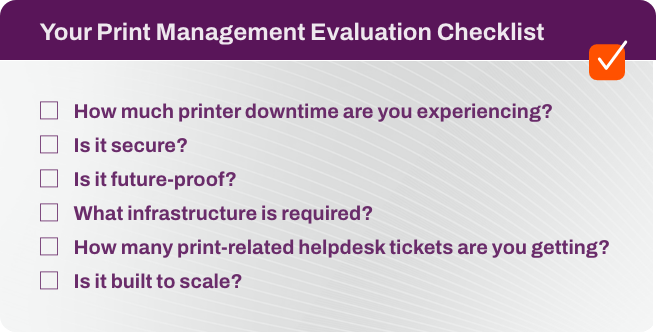
To better evaluate any enterprise print management solution, it helps to match its performance against a set of criteria. Below is a short checklist in the form of questions you can ask to see if your current solution is still performing as expected and determine if it meets your organization’s existing and future needs.
 How much printing downtime are you experiencing?
Printer downtime might be the most basic metric of any enterprise print management solution. If printing is regularly held up by server crashes, spooler hangs, or rogue drivers—and the difficulty in troubleshooting those instabilities—something needs to change.
On top of print server maintenance and updates, printers themselves are hard to keep up with. Any multi-function printers in your fleet have several things that can go wrong: scanner not working, paper jams, faulty copier, etc., which often result in you becoming a decorated repairman instead of an innovative IT specialist. Most modern print solutions provide you with instant alerts to help you be more proactive instead of reactive when a printer goes down.
If SNMP alerts and Advanced Reporting features haven’t been implemented into your print environment yet, you’re missing out on opportunities to resolve issues before they happen and easily identify ways to increase printer uptime in your organization.
