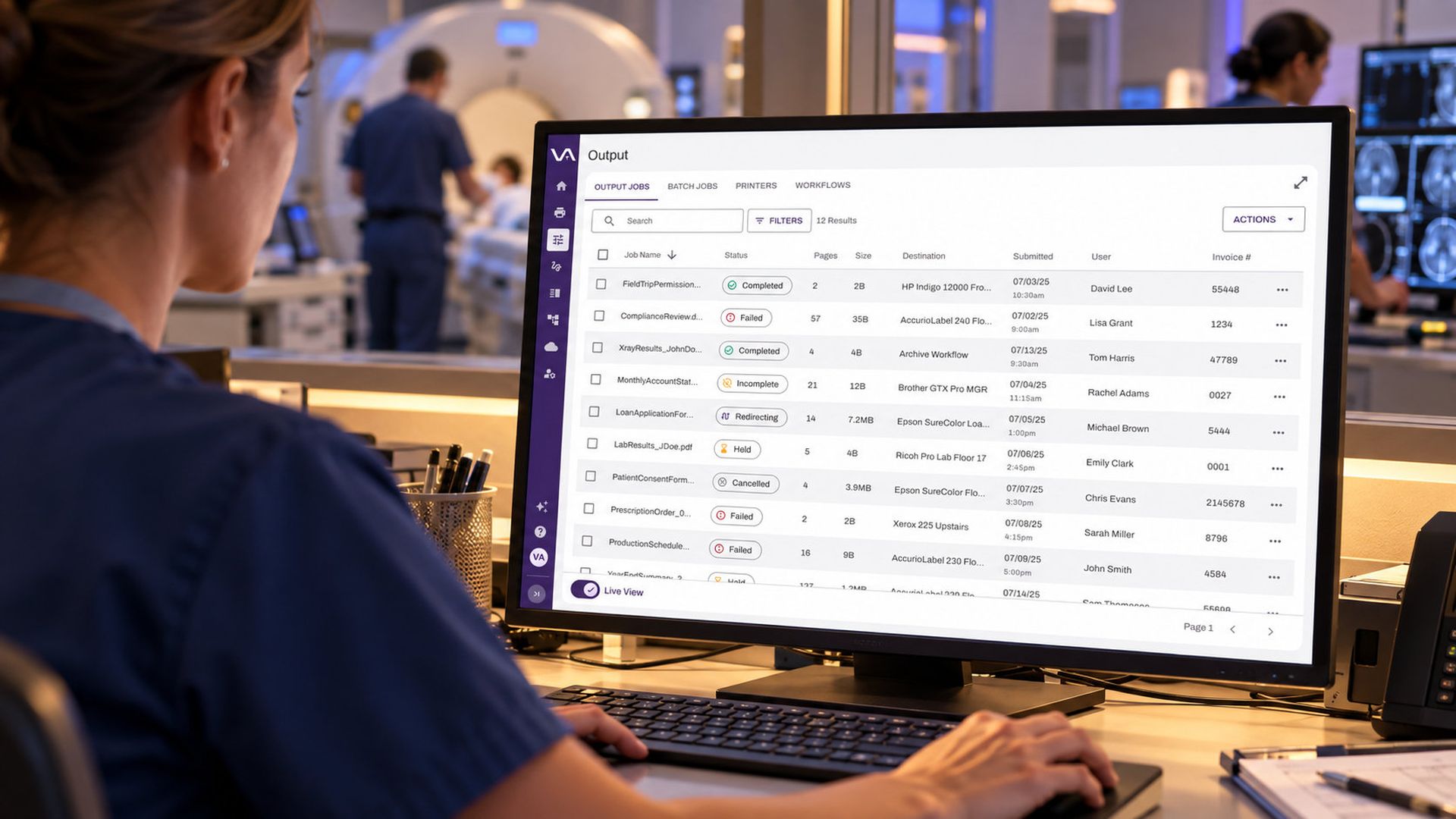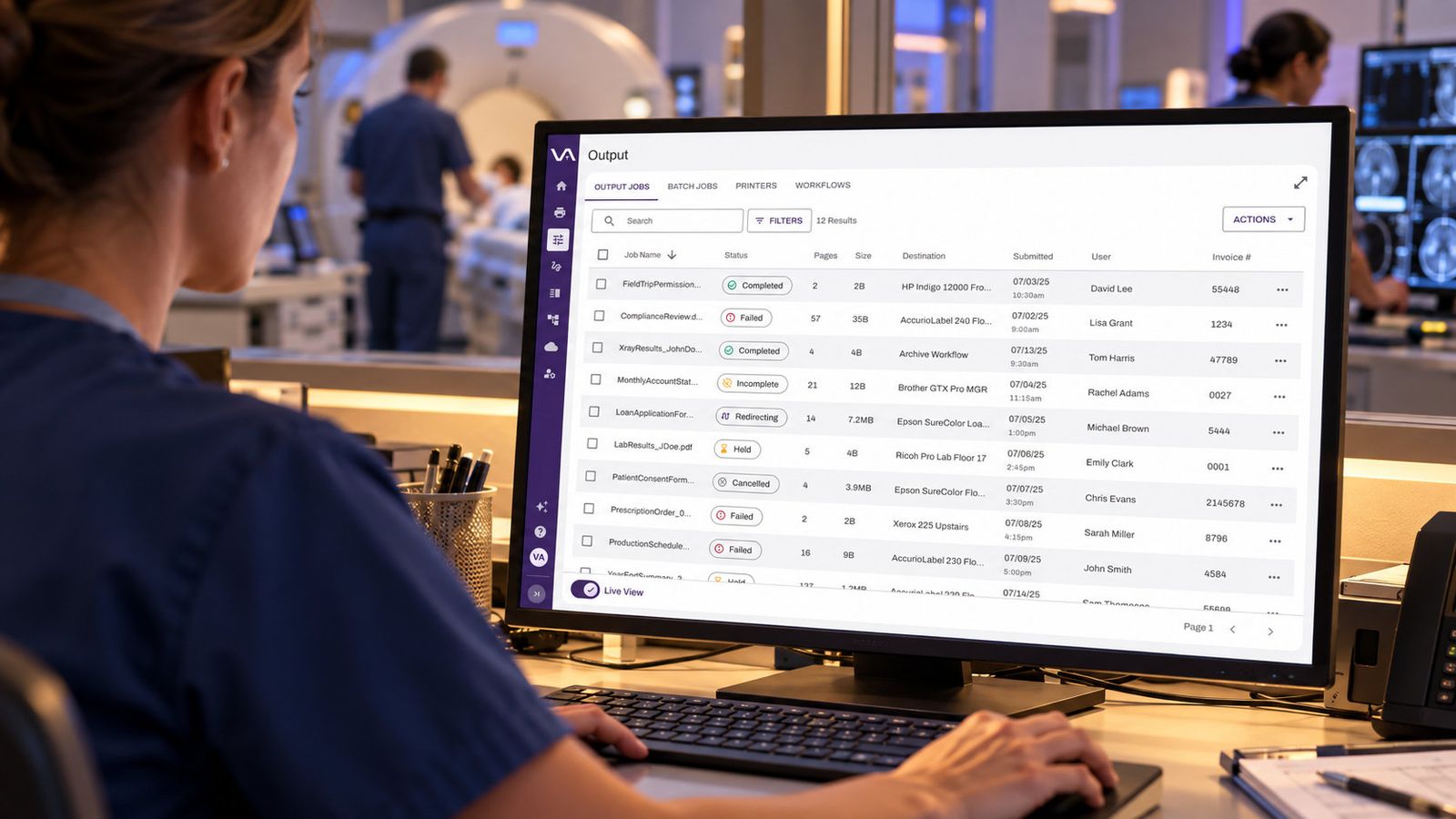
Every organization deals with manual processes to a certain extent. Data entry, scanning, and physically handing a document off individually don’t take long, but collectively they produce a productivity crisis that nobody budgeted for. Intelligent document processing (IDP) exists to end that cycle. It uses AI to identify documents, pull out the data that matters, and send each file where it needs to go.
Introduction
Why older automation hasn’t fixed it
Plenty of teams have already tried. Basic optical character recognition (OCR) turns an image into text, but it doesn’t understand what the text means. Template-based capture works until a vendor changes its invoice layout. Rules-based routing breaks the moment a document doesn’t match what the rule expected. When automation fails quietly, the errors surface downstream, in a payment, a patient record, or an audit.
Integration is the other trap. Extracting data is only half the job. If it doesn’t land in the workflow that needs it, you’ve simply built a faster way to create another pile.
What intelligent document processing actually does
Not every tool earns the label. A few questions separate the serious options from the demos.
Does it score confidence on every field, or only on the document as a whole? A single document-level score can hide the one wrong account number that matters. Field-level scoring tells you exactly where to look.
Is human review built in? No extraction model is perfect. The accuracy gap makes human-in-the-loop processes essential for most production deployments. The gap is real: in McKinsey’s March 2025 State of AI survey, only 27% of respondents whose organizations use gen AI said employees review all gen AI-created content before it is used. The best approach lets high-confidence documents move straight through while sending uncertain ones to a person, with the original document visible next to the extracted values.
Does the data go anywhere? Extraction that ends in a spreadsheet is a dead end. Look for results that can drive conditional logic, populate notifications, and decide where a file is stored.
Will the data stay with the document? If someone has to index files by hand afterward, you’ve only moved the manual work.
Is it secure? In the AIIM and Deep Analysis research, data security and privacy was the top concern about adopting IDP, with integration challenges ranking second. Those are the right instincts. Ask hard questions about both.
How Vasion solves it
Vasion Intelligent Document Processing adds AI-driven extraction directly to your existing workflows, so teams keep the quality control and lose the busywork.
It works in five steps. A document enters a workflow through scan, upload, or output. The IDP step reads it and extracts the fields you’ve configured, with no manual processing. Each field receives a confidence score, and documents where every field clears your threshold move straight to the next step. If any field falls below the threshold, the document routes automatically to a designated reviewer, who sees the original alongside the extracted values and can correct them before the workflow continues. Finally, the extracted values are stored as searchable metadata with the document in Vasion Storage, permanently attached and findable without manual indexing.
Because extracted fields become workflow variables, the data does more than sit there. It can drive conditional logic, populate notifications, and determine where each document is filed. That’s what turns a processed document into a workflow trigger.
Here is what that looks like in practice:
Invoice processing and AP automation: Invoice number, vendor, amount, and date are extracted automatically. High-confidence invoices file themselves, and those needing approval route to a manager.
HR document intake: Onboarding documents route based on extracted fields, cutting manual sorting and shortening the time new hires spend on paperwork.
Records digitization: High volumes of paper records are scanned, key fields are extracted, and each document lands in the right storage location without anyone touching every file.
The result is a simple division of labor. AI handles the reading, extracting, and routing. Your people handle the exceptions, which is where their judgment actually matters.
See for yourself
If your teams are still opening files, retyping fields, and chasing approvals, there is a better way to spend their time. Schedule a demo to see Vasion Intelligent Document Processing at work in your own workflows.
About the author

By Vasion Team