Security and Access Control
Traditional guest printing requires network access, creating a direct entry point for ransomware attacks and unauthorized access to internal systems. This fundamental security risk compounds as you scale.
Beyond network vulnerabilities, guest printing demands temporary credentials that your IT team must create and manage manually. While you can track credential creation, monitoring actual print activity (when, where, and what guests print) remains difficult without specialized tools. Consider a contractor visiting your plant for a week. They get their credentials on a Monday, and by Friday they have printed 200 pages across multiple devices with zero visibility into the content.
Compliance adds another layer of concern. Unattended documents at shared printers can expose sensitive information, potentially triggering HIPAA or GDPR violations with significant financial penalties. GDPR fines can reach up to €20 million or 4% of annual global revenue, whichever is higher. HIPAA violations range from $100 to $50,000 per incident, with severe violations reaching up to $1.5 million annually. For organizations in healthcare, finance, or legal sectors, unsecured guest printing isn't just an inconvenience; it's a liability.
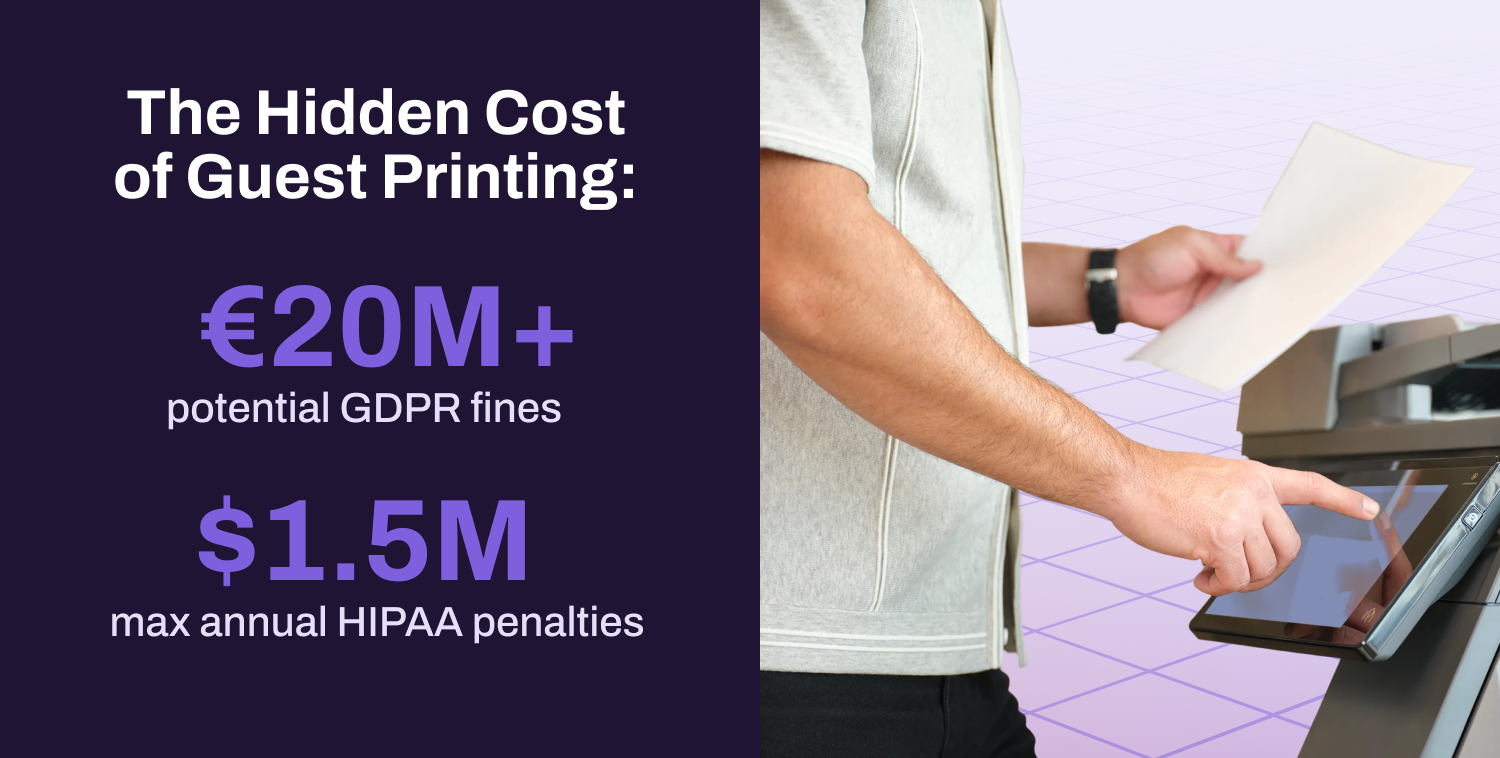
The lack of audit trails for guest print jobs makes it nearly impossible to demonstrate compliance or investigate potential data breaches.
Beyond the immediate security concerns, this lack of visibility means you can’t calculate the cost of guest printing.
Cost Tracking and Visibility Challenges
Are guests consuming excessive color pages? Printing unnecessary duplicates? Without data, you're operating blind, and this visibility gap is widespread.
For guest printing specifically, the problem compounds. Without proper tracking, IT cannot:
Allocate costs between employees and guests
Enforce print limits or quotas
Set default print settings
Restrict guests to designated devices
The result? Guests may default to color printing when black and white would suffice, or print to premium devices when standard printers would work fine. The financial impact adds up quickly. Guest printing represents an unmeasured portion of that spend. You can’t optimize what you can’t measure, and you certainly can’t recover costs you can’t track.
Helpdesk Overwhelm and Support Drain
If the costs of guest printing are invisible, the support burden certainly isn't. Guest printing can be a time drain on IT, especially when guests only have one-off printing needs.
Picture this: A vendor arrives for a 30-minute meeting and needs to print a single contract. Your IT team spends 15 minutes setting up temporary credentials, installing drivers, and troubleshooting connectivity (half the meeting duration) for one document. Multiply this across dozens of guests per month, and you've consumed days of IT productivity.
In practice, every guest printing scenario becomes a ticket:
Each of these leads to print delays and a subpar user experience. Almost every aspect of guest printing might require IT help. These tickets pull your IT team away from strategic initiatives to handle basic printing requests. Constant interruptions prevent them from focusing on projects like security improvements or infrastructure upgrades that actually move the business forward.
Technical Compatibility and Deployment Challenges
So why does guest printing generate so many support tickets in the first place? The answer often comes down to technical compatibility. Guests have diverse devices, each with various operating systems and browsers. Traditional print infrastructure is not built to handle this level of variety. Driver compatibility becomes the first hurdle. A guest’s device may not have the right printer drivers, and installing them requires administrative access.
Print server dependencies create another bottleneck. Traditional print architecture may rely on print servers that guests can’t easily access from outside your network. GPOs and scripts that work for employees become obstacles for guests. Even simple actions like selecting the correct printer from a dropdown menu become confusing when guests see cryptic device names like “HP_Hogwarts_Platform9_3/4” instead of user-friendly labels.
The result? What should be a simple task (sending a document to a printer) becomes a troubleshooting session involving IT support. For organizations managing multiple locations with different printer fleets, these compatibility challenges multiply exponentially.