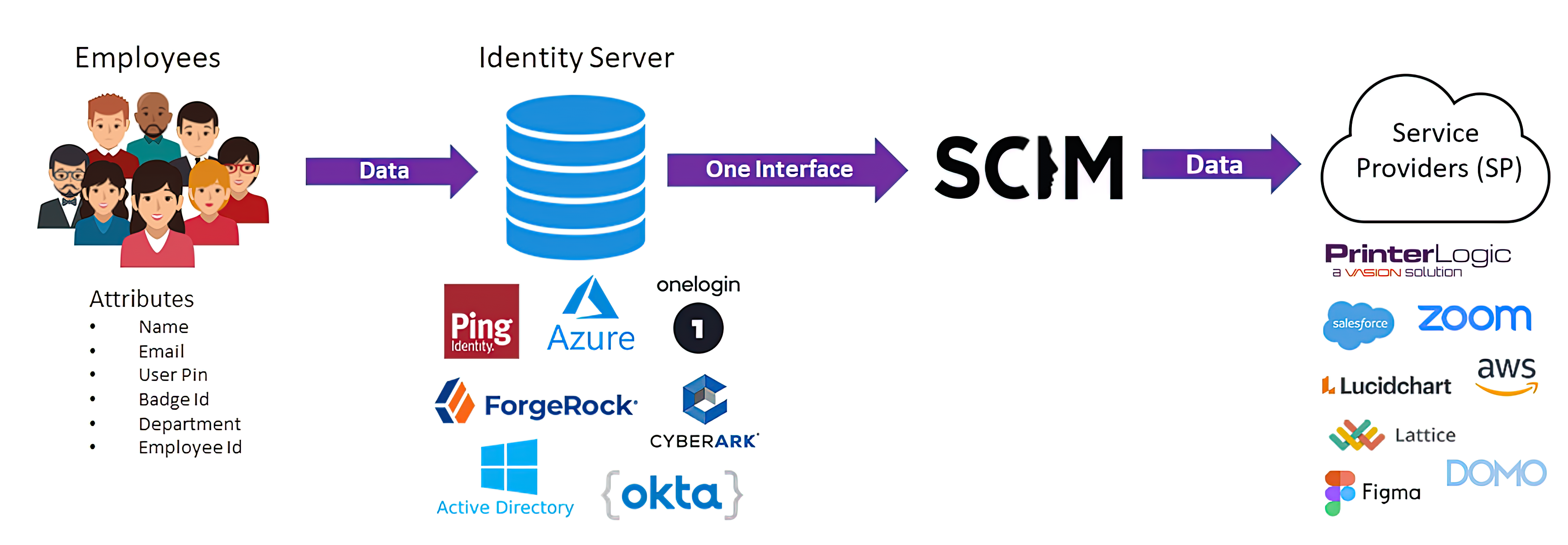
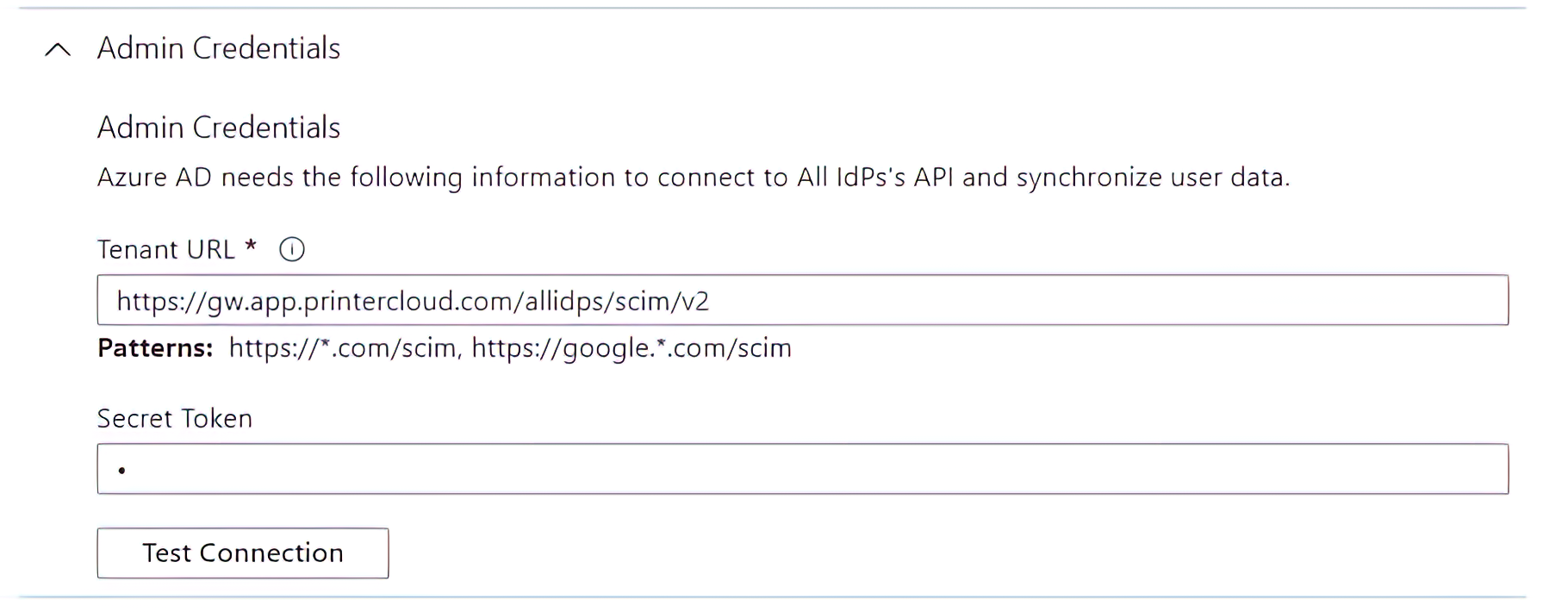
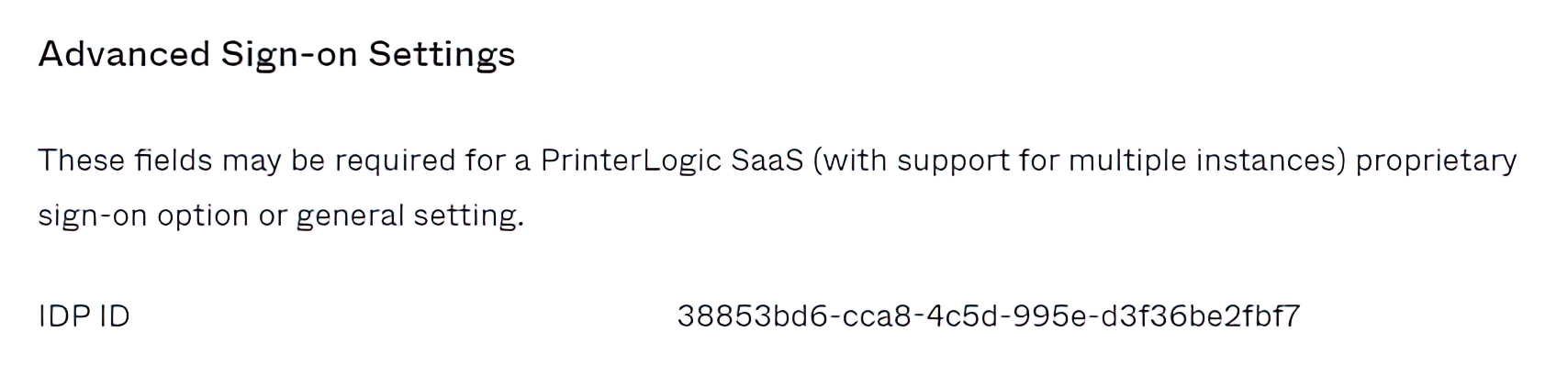
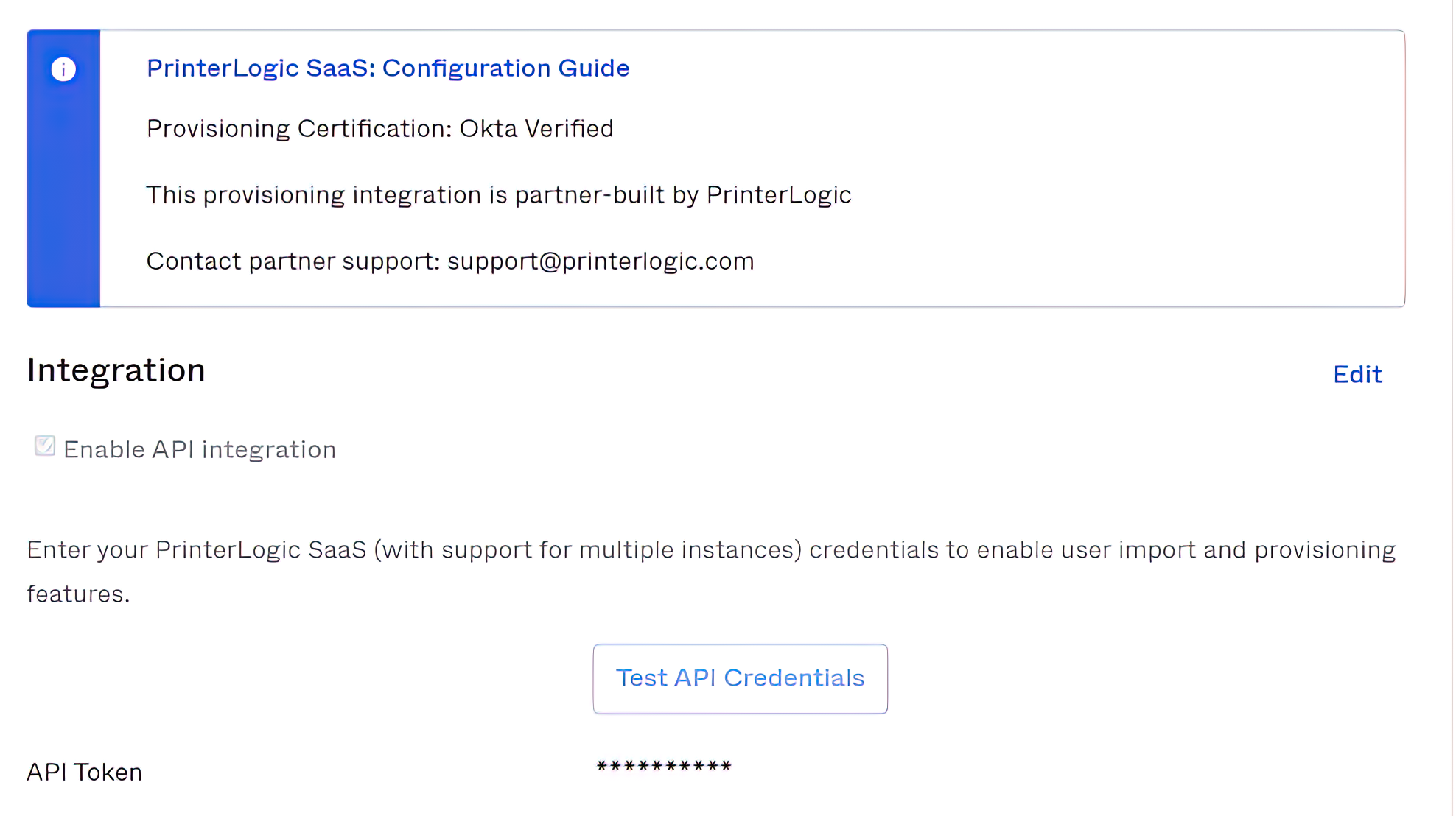
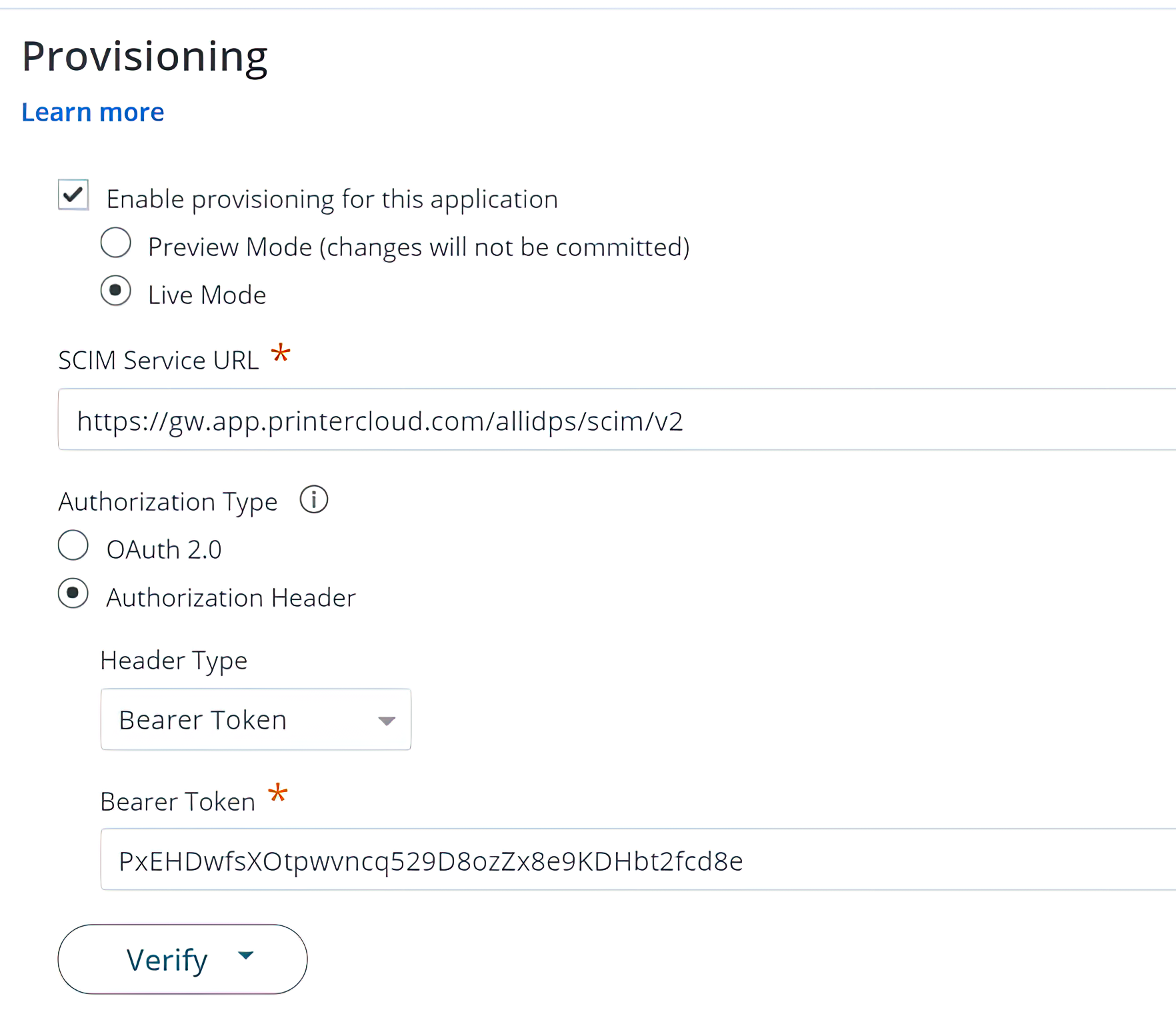
SCIM is an open standard specification used by an IdP for automating the exchange of user identity information. Consider an organization hiring new workers to replace employees who have recently left the company. The organization’s directory must be updated to reflect these changes, which enables access for the new employees and removes access for those who have gone.
To make a directory update, the IT administrator simply makes the needed change in the IdP admin console and the change is automatically pushed to all SCIM-enabled applications. This “edit once, change all” feature lets IT teams manage user identities faster and easier. Users authenticated by the IdP are then authorized to access PrinterLogic. They can print needed documents and use other SaaS applications to accomplish their assigned tasks.
Here’s a more in-depth look at how the SCIM process works. SCIM provides four basic capabilities: Create, Read, Update, and Delete. When an employee joins a company, a few steps take place:
An IT admin creates their profile in the IdP admin console.
The new employee’s userName, firstName, lastName, and email are “pushed” to the relevant applications via SCIM, and the account is created in the data store within the application.
If needed, cloud apps can query or read the group info from the IdP.
If an employee’s data changes (name change, email change, etc.), the IdP uses SCIM to push the data updates to SCIM-enabled apps like PrinterLogic.
When an employee leaves the company, they are deleted from the IdP, which in turn deletes them from all application data stores.