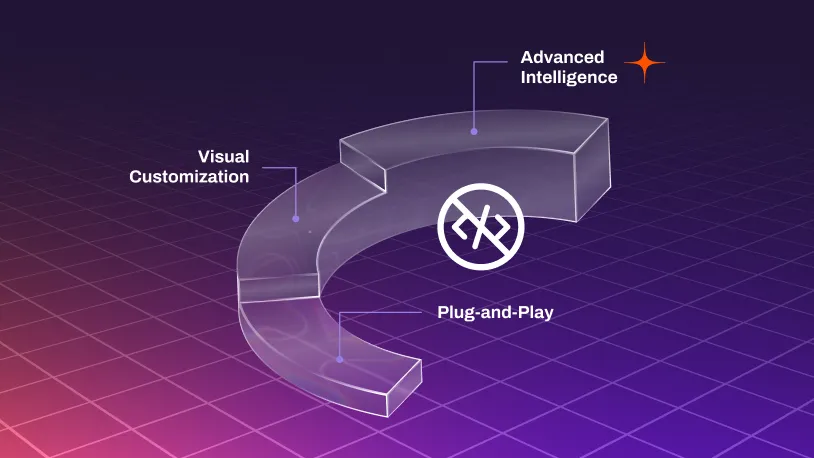
Technical comfort level: Intermediate. You’re the person in the office who builds complex Excel formulas, creates custom email filters, or sets up workflow automation tools. You don’t have coding knowledge, but you’re comfortable clicking through settings and building logic.
Configurable AI lets you teach and customize the system through visual interfaces—clicking, dragging, and pointing rather than coding. You build templates, set rules, and train the system using interface patterns you already know.
Real-world applications at this level get specific to your business: custom approval workflows based on your criteria, content generation using your industry’s terminology, validation rules matching your data standards, automated responses tailored to your scenarios, reports in the formats your team actually uses.
How it works: Visual template builders let you define custom workflows. Point-and-click field mapping connects your data. Drag-and-drop process designers lay out your logic. Rule builders use straightforward “if-this-then-that” patterns. And training by example means you show the system a few instances of what you want and it learns the pattern from there.
The value here is personalization. Your workflows, your terminology, your business logic—automated. The system learns from you and gets smarter as you use it. Start simple and add sophistication when you’re ready.
Where it shines: Organization-specific workflows, industry terminology, custom processes, variable scenarios within your business.
Where you’ll outgrow it: Multi-source analysis requiring complex reasoning, highly contextual decisions, enterprise-scale processing across hundreds of scenarios, data security concerns, or tasks demanding deep AI understanding of nuance.